
MakeSpace
gamification / art / habit formation / tracking
end-to-end mobile app
transforming simple art exercises into lasting creative habits
Many people want to make art but struggle to find the time, confidence, or resources to begin. MakeSpace encourages users to “make space” in their day to build a joyful art habit, turning moments into creative opportunities through simple prompts, accessible materials, and a gamified progress system.
Duration
2 Weeks
Role
UX Design, Research, Branding
Tools
Figma, Miro, Photoshop, Illustrator
opportunity
to help users develop a habit of creating art regularly without overthinking the process and enjoying it
Problem
Many want to make art but face barriers like time, fear of imperfection, and uncertainty about where to start, making it hard to build a consistent creative habit.
Solution
MakeSpace helps users build a creative habit through gamified art prompts, motivational mechanics, and progress tracking, the experience makes creativity easy, enjoyable, and sustainable.
Outcome
Empowering users to show up creatively without fear or perfectionism, while building confidence, reducing stress, and having fun along the way.
AT A GLANCE
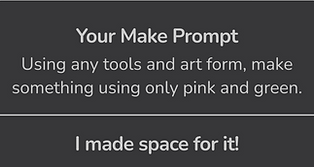
Fun fact: all the artwork you are seeing is mine!




RESEARCH
46% of Americans use creative hobbies to relieve stress or anxiety.
Competitive Market Analysis
to compare art apps and learn from gamified platforms

Daily Art
bite-sized daily content
widget integration
curation of personal board

Simply Draw
step-by-step guidance
self-paced format
community boards for sharing

Duolingo
gamification and progress tracking
social interaction features
motivating branding and language

Skillshare
skill building
guided format
tailored to skill level
“I want to occupy my time to feel productive but also have fun.”
“I want to get into a creative habit I can keep long-term.”
“I love the idea of making art, but I don't know where to start.”
Target Users
- Casual hobbyists looking for low-intensity exercises and prompts at their own pace;
- Time-constrained creators seeking relaxation in short sessions (10–20mins);
- Users with limited access to art materials who prefer simple, hassle-free activities.
Method
In-depth interviews with users to explore their current art habits, motivations, and challenges with fitting creative practice into their daily routines.
Key Insights
Open Creativity
beginners want guidance, hobbyists relaxed exercises, and artists skill-building challenges
Fostering Motivation
positive language, progress tracking and celebrating goals encourage continued practice
Building a Community
sharing work and social features build excitement and make creating more enjoyable
DESIGN PROCESS & ITERATION
How might we...help users overcome blank-page anxiety, focus on the process over the final product, and make streaks rewarding for users to keep returning?
Onboarding


Home


Explore

Add


Gallery


Diary


User Feedback
“If I miss a day, can I still see what my friends posted before?”
"What happens if I miss today's entry?"
"I don’t want to post daily. I want to set my own streak intervals."
Social & Engagement Features
Users like that they connecting with friends and the inclusion of widgets and reminders.
Motivation & Missed Days
Users are concerned about losing motivation if they miss a day.
Personalization & Flexibility
Not all users want to create daily; some prefer flexibility in their streaks.
SOLUTION
Motivating Features for Users
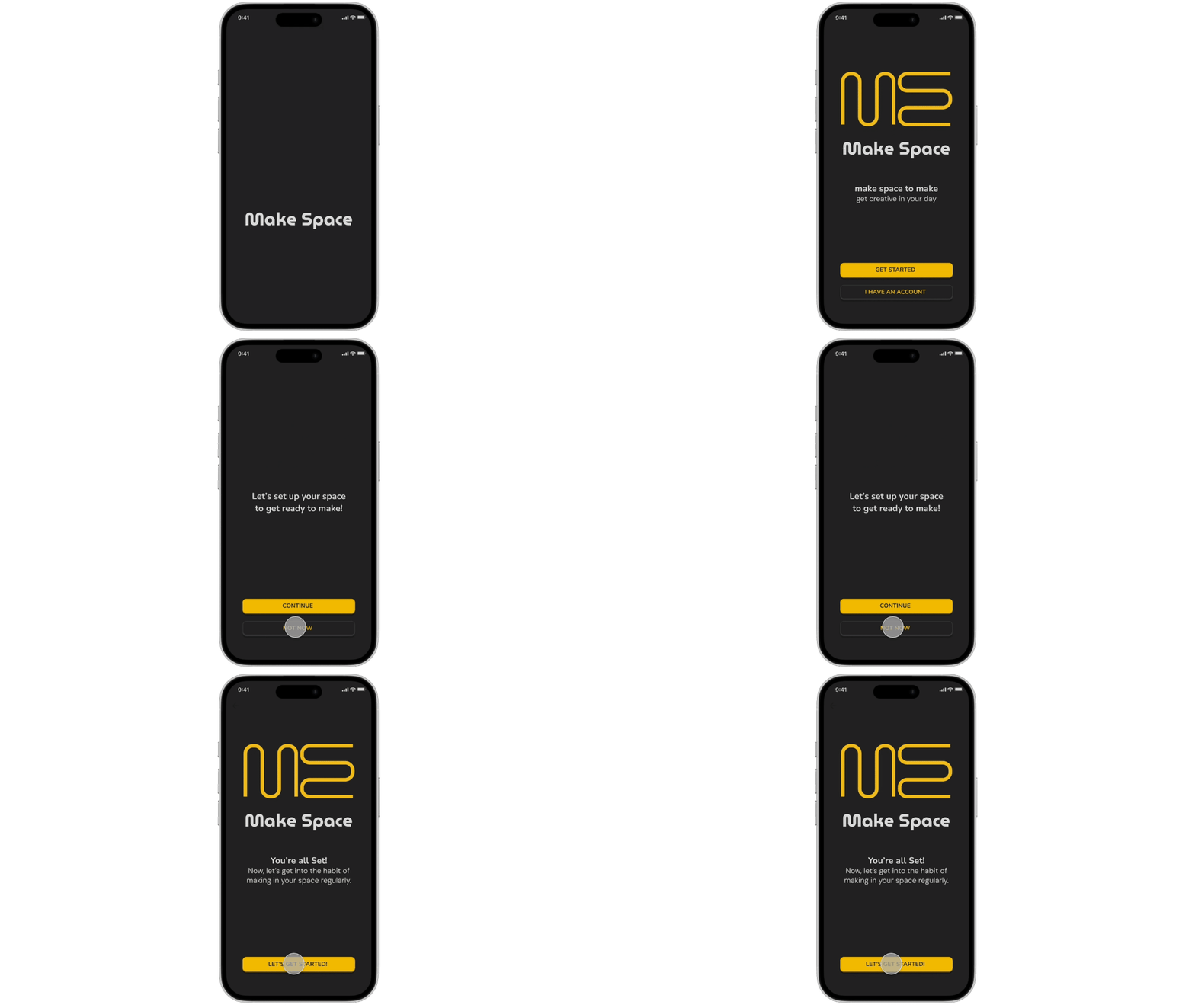
Goal-Driven Onboarding
An onboarding process that sets clear expectations and motivates users by letting them define their own creative goals and choose their preferred practice intervals, aligning their journey with their skills, resources, and pace.


Social Interaction
Social features like connecting with friends, posting before viewing others, following artists and receiving feedback encourages participation and builds community engagement.


Logo Tracker
The logo, a merge of the M and S in MakeSpace, doubles as a process tracker.


Habit Support System
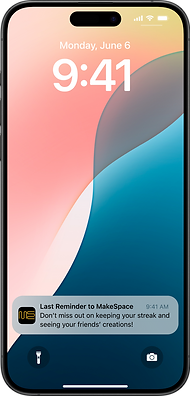
Widgets, reminders, and prompt countdowns help users stay consistent and motivated too.
Process-Based Progress
Users submit process entries, not just final work, to earn points alongside their streak.


Positive Reinforcement
Motivational language, personalized messages and celebratory feedback after each entry.


Visual Log
A visual diary or archive that displays user's progress over time.
Exploration
Explore and gallery pages that showcase artists, techniques, and skills to spark inspiration and motivate continued creative practice.


REFLECTION
What I Learned
Work in a dark mode UI while meeting accessibility guidelines.
Progress tracking and gamification to make users want to return frequently.
What I Would Do Differently
Conduct usability testing with both creative and non-creative users to cover diverse needs.
Iterate more micro-interactions to make the app more playful.
Next Steps
Animate logo and widget to visualize progress and reinforce motivation.
Track user behavior to evaluate engagement, understand motivation, social sharing, and participation patterns.